
Inside a Waypoint lab
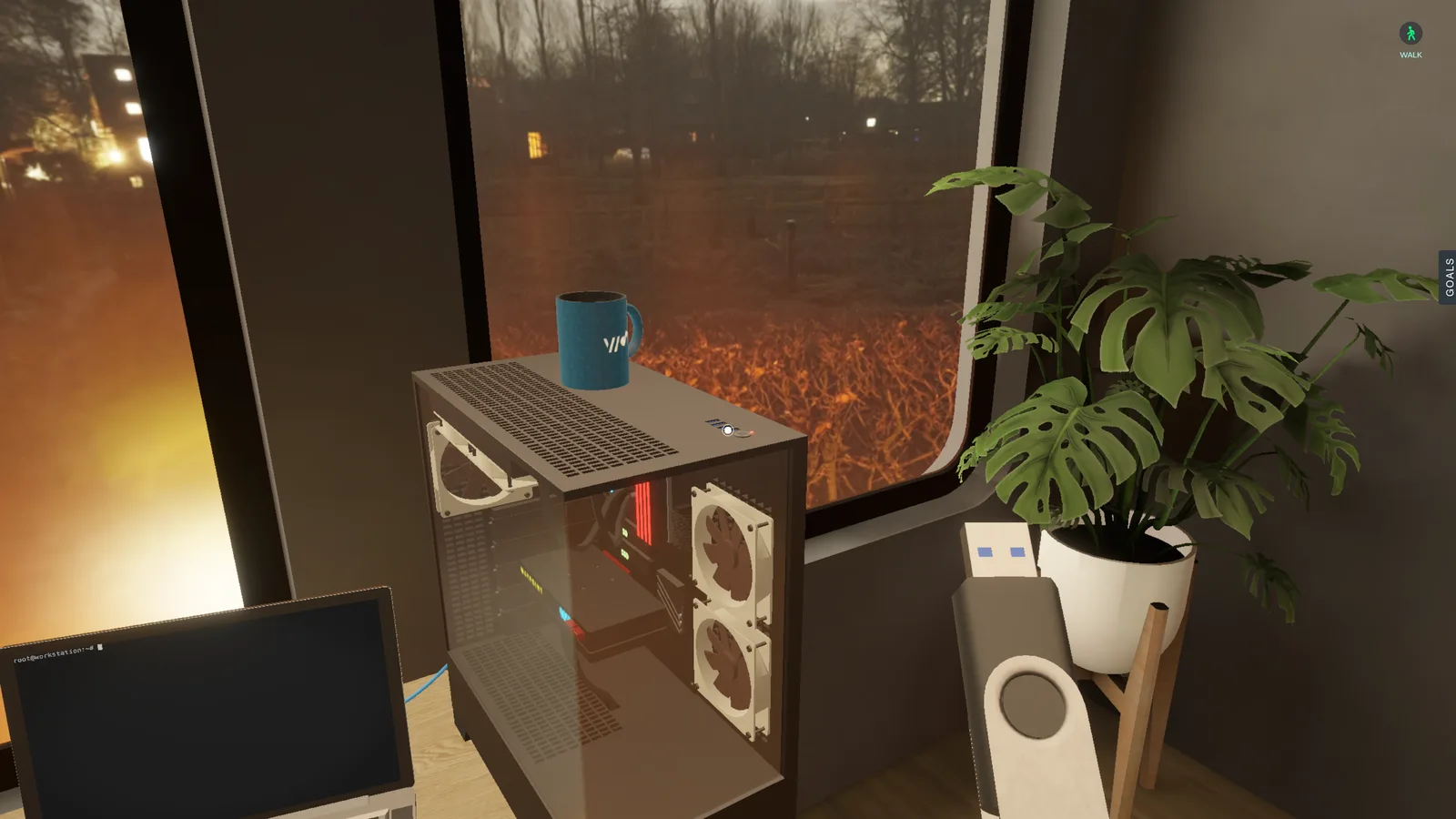
Every clip here was captured from real runs of a Waypoint Labs scenario, played in the browser. The mission: get a home computer online. The learner cables it to a router, confirms it's on the network and proves it can reach the outside world.
Task 1
Real systems behind every screen
Take a seat at the computer and a live Ubuntu desktop opens. It runs on real compute in a lightweight container, so it starts quickly and responds just as it would in production. Here ip address show reports the interface down with no local address: nothing's plugged in yet. The goal is ticked off as the command runs, and a lightbulb appears. A quiz is ready.
Task 2
Yes, you plug in the cables
Cable Mode brings the lab's devices within reach, ready to plug in, trace and rewire. The learner runs a cable from the computer to a LAN port on the router, then from the router's WAN port to the wall. Each one becomes a real network link between real devices.
Quizzes
Quizzes, right on cue
Each lightbulb opens a short quiz on the step just completed. While the learning task is still fresh, the quiz checks that the learner understood why it worked, not just that it did.
For educators
Assessment reporting built-in
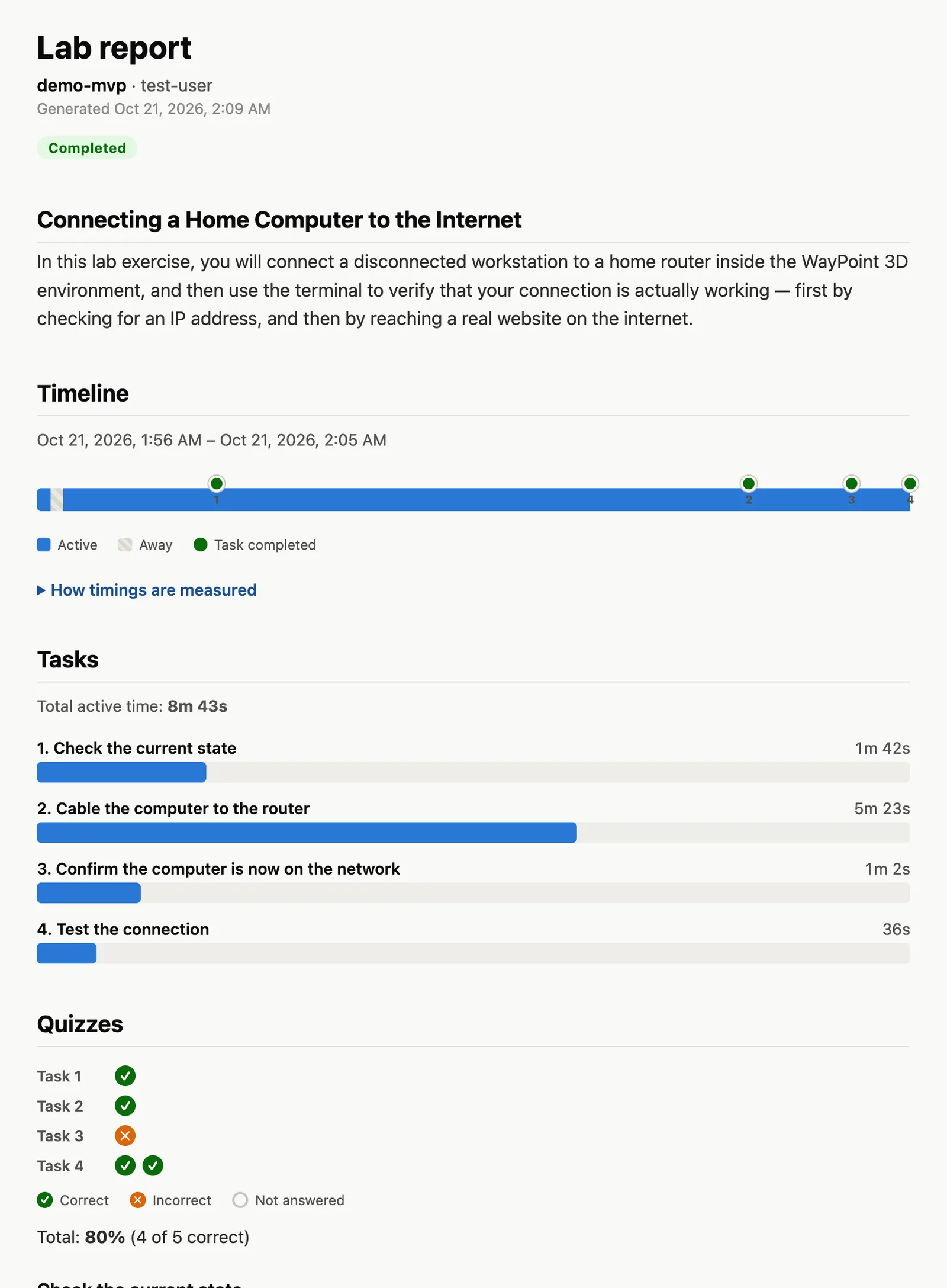
Waypoint turns the lab's telemetry into a report: when each goal was reached, how long each task took and how each quiz went. It's evidence for assessment that lets educators see understanding develop, and spot where a learner needs support, like the Task 3 question missed here.
Coming next
Learning driven by curiosity